Colours and presets
Set your brand colour, pick a palette, and override any individual design token.
Colour changes apply on the next deepdoc serve. No regeneration, no LLM
calls — the site is rebuilt from your saved plan.
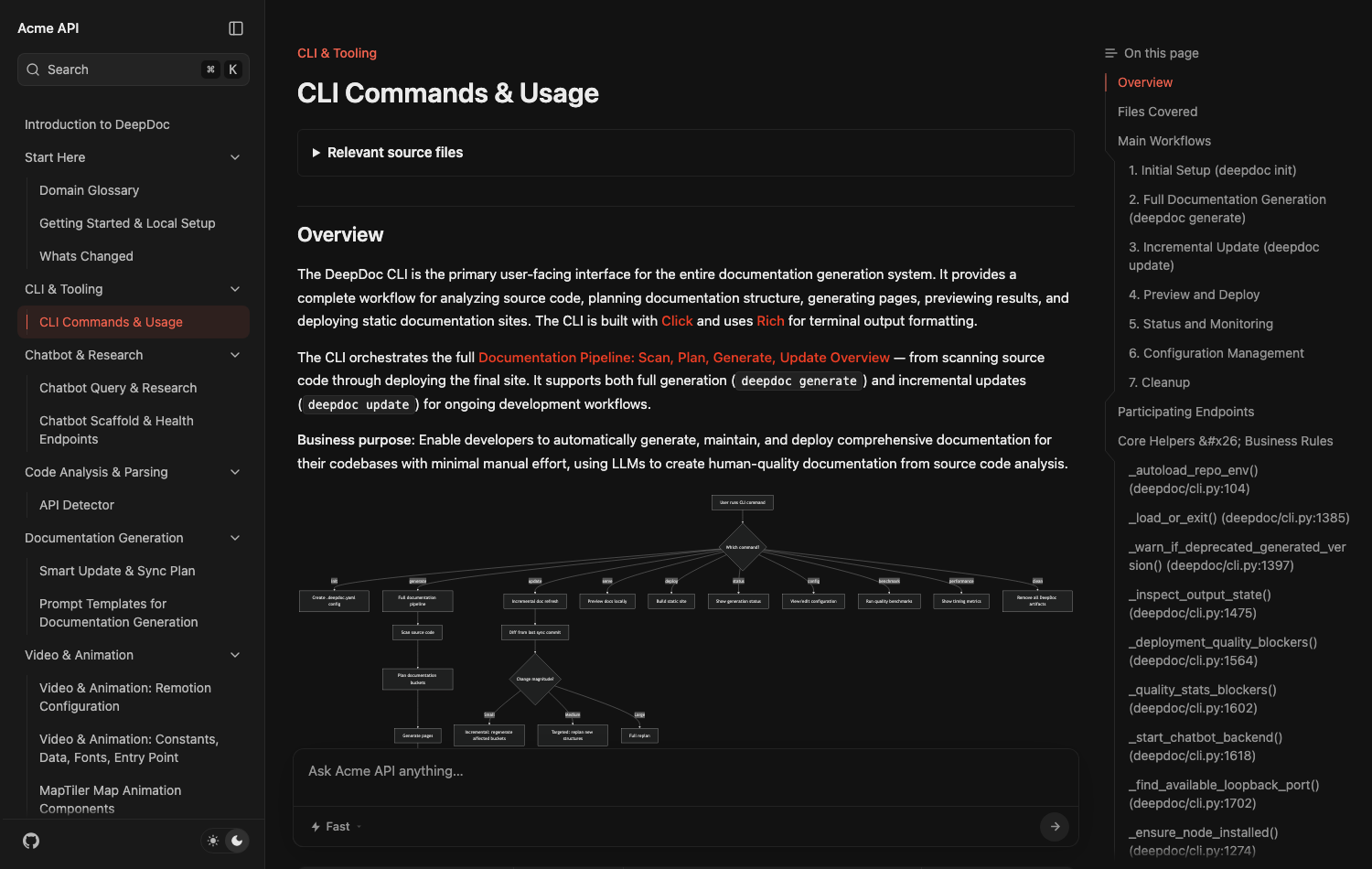
Your brand colour
Three values, and each one does a specific job:
site:
  colors:
    primary: "#7c3aed"   # sidebar highlight, links, active states
    light:   "#c4b5fd"   # the accent in dark mode
    dark:    "#5b21b6"   # link hover in light mode
Then:
deepdoc serveApplied .deepdoc.yaml changes (no regeneration, no LLM calls): colorsThat line only prints when something actually changed, so it doubles as confirmation your edit was picked up.
Why three colours
light is used as the dark-mode accent because a brand colour tuned for a
white page is usually too dark to read on a black one. dark drives link
hover in light mode. Set only primary and the other two fall back to the
built-in defaults.
Colours accept #rgb or #rrggbb. Anything else warns and falls back rather
than failing your build:
site.colors.primary: 'purple' is not a hex colour (expected #rgb or #rrggbb) — using #eb3e25.Palettes
A preset replaces the whole page palette — backgrounds, borders, muted text — not just the accent.
site:
  theme:
    preset: ocean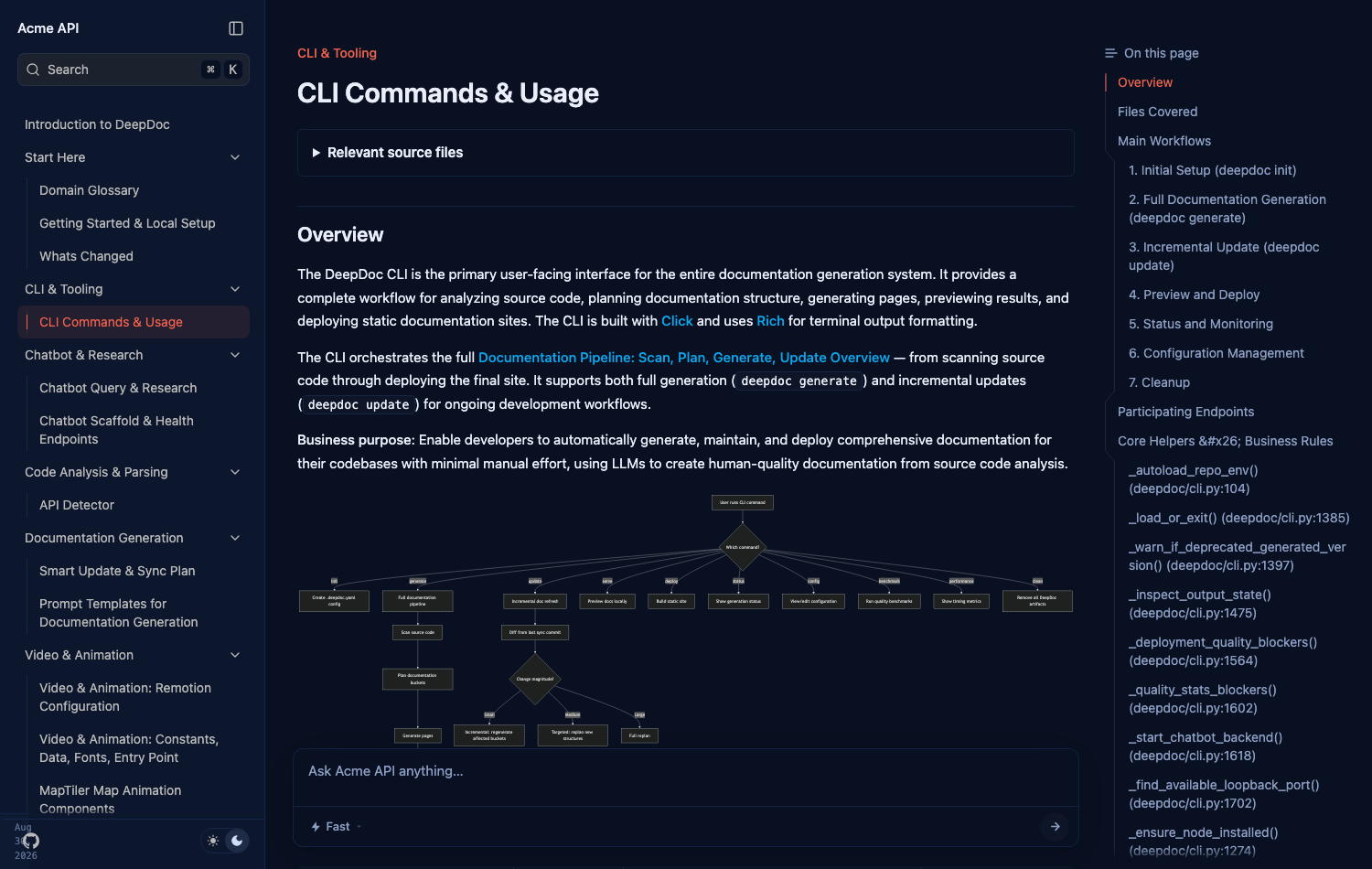
Seven palettes ship:
| Preset | Character |
|---|---|
neutral | Greys. The default look. |
black | Higher contrast, near-black in dark mode. |
vitepress | Clean white with a blue primary. |
ocean | Deep navy in dark mode. |
catppuccin | Soft blue-grey with violet accents. |
dusk | Muted lavender, rose-pink primary. |
purple | Lilac page background. The loudest. |
Leave preset empty for DeepDoc's own palette. An unknown name warns and falls
back — it never breaks the build.
Presets and your brand colour work together
A preset sets the palette; your colors.primary still overrides the accent on
top of it. If you want the preset's own primary instead, leave colors empty.
Overriding individual tokens
When a preset is close but not right, override single design tokens. This is the escape hatch — anything the named settings do not cover.
site:
  theme:
    preset: ocean
    tokens:
      light:
        background: "#ffffff"
        border: "#e5e7eb"
      dark:
        background: "#0b0b0d"
Twenty tokens are available, light and dark independently:
Which wins
Three layers, lowest to highest:
So a preset plus a tokens.light.background gives you that palette with your
own page background, and nothing else changes.